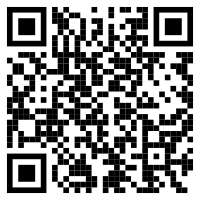
Yes. MyRegistry.com allows QR code sharing.
To easily create a QR Code for your registry on a desktop/laptop, you can tap the VIEW AS VISITOR button. Find a blank space on the page then right-click and select Create QR code for this page.
If you are on the app, select the Menu button from the bottom panel. Tap on Things To Do and select Share Your Registry. There will be a QR icon to view.